

Setting Your Hours & Schedule
Set your business hours, holidays, and after-hours handling so your phone is answered the right way at any time of day.
Your schedule decides how the phone is answered at any given moment — during your open hours, after you close, and on holidays. You set it all up in Contact Center Settings → Hours & Routing. Here's how each part works.
The short version: Set your weekly hours and how calls are answered during them. Everything outside those hours falls to after-hours (your default catch-all). Add holidays for one-off closures. Each can send calls to your AI agent, voicemail, or a ring group.
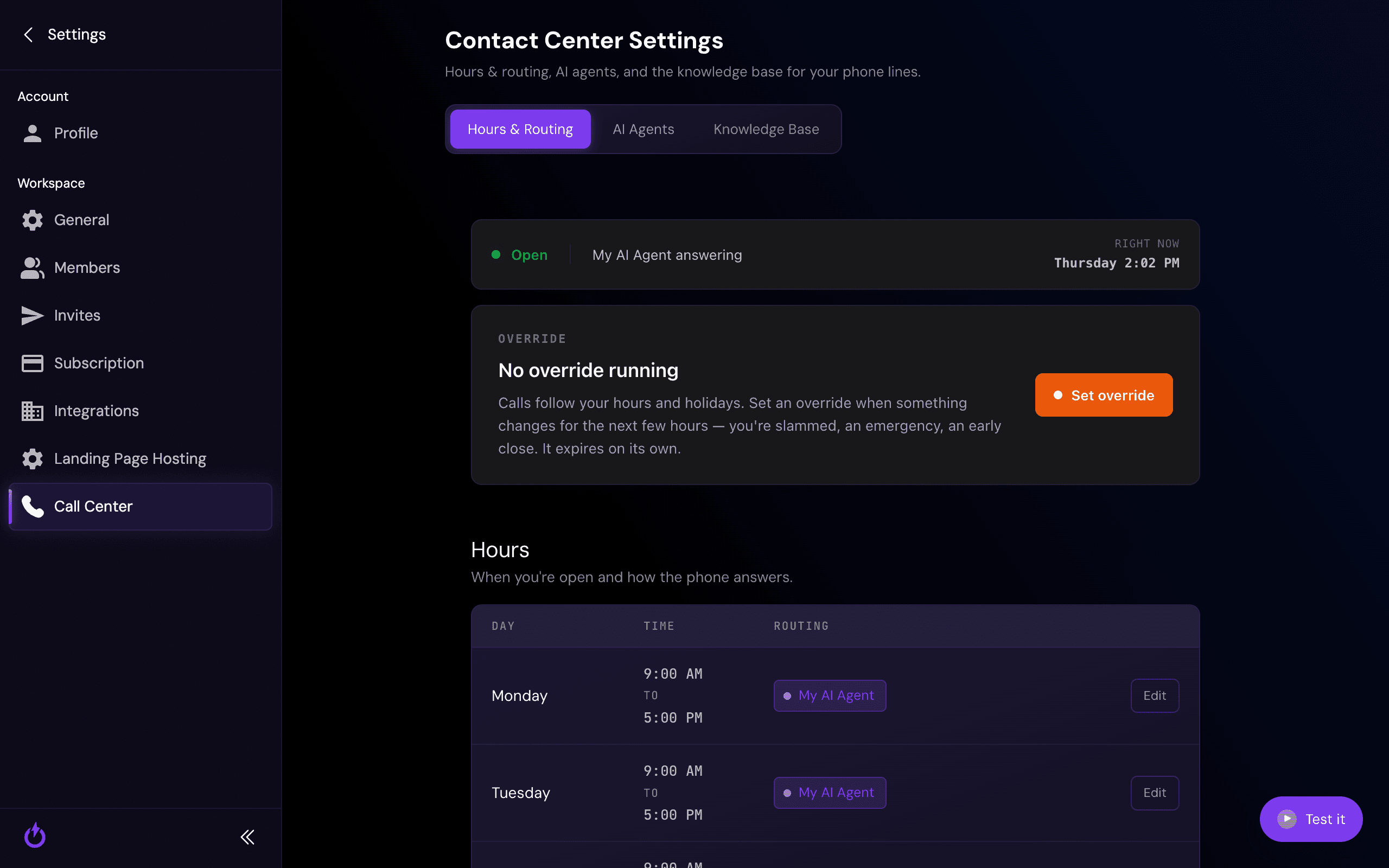
Business hours
Set the days and times you're open, and how calls are answered during them — your AI agent, voicemail, or a ring group ("Ring a number"). Add a row per day, and more than one range per day if you close for lunch.
After-hours (your default)
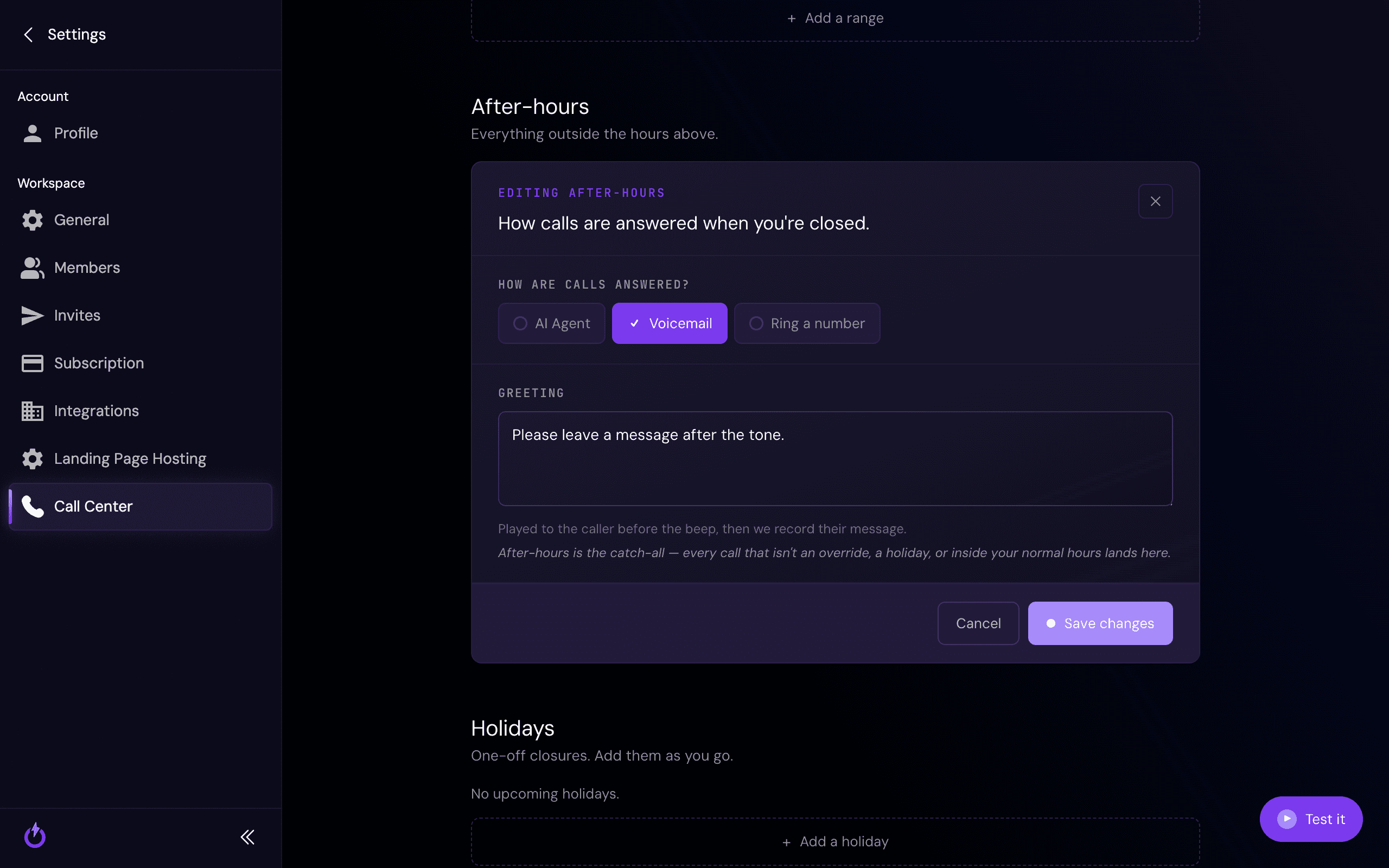
After-hours is the catch-all. Every call that isn't inside your normal hours — and isn't a holiday or an override — lands here. Choose how those calls are answered and, for voicemail, the greeting callers hear before the beep.
Holidays
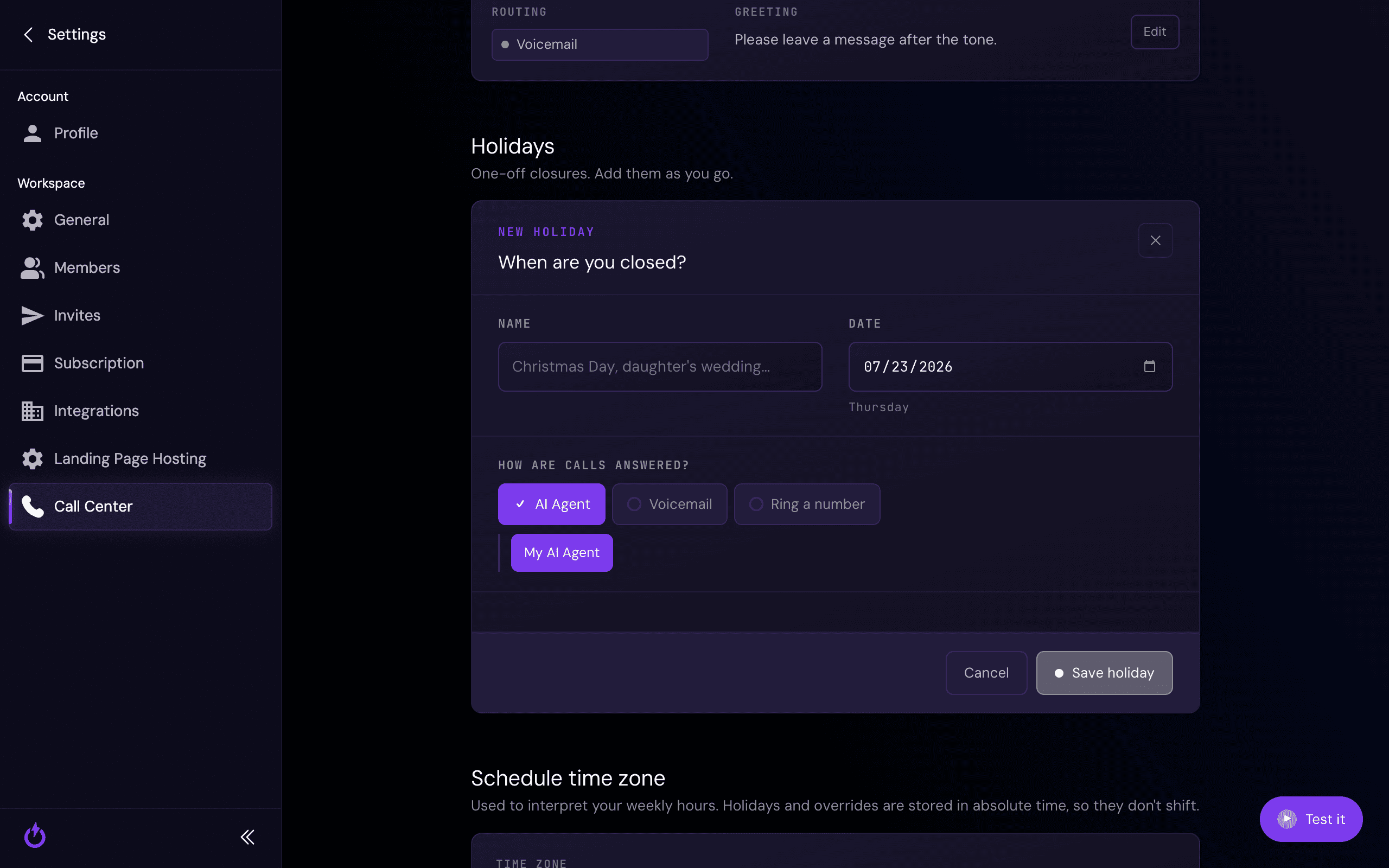
Holidays are one-off closures — a public holiday, an early close, a day off. Give each one a name and date, and choose how calls are answered that day. A holiday takes over your normal hours for that date.
Time zone
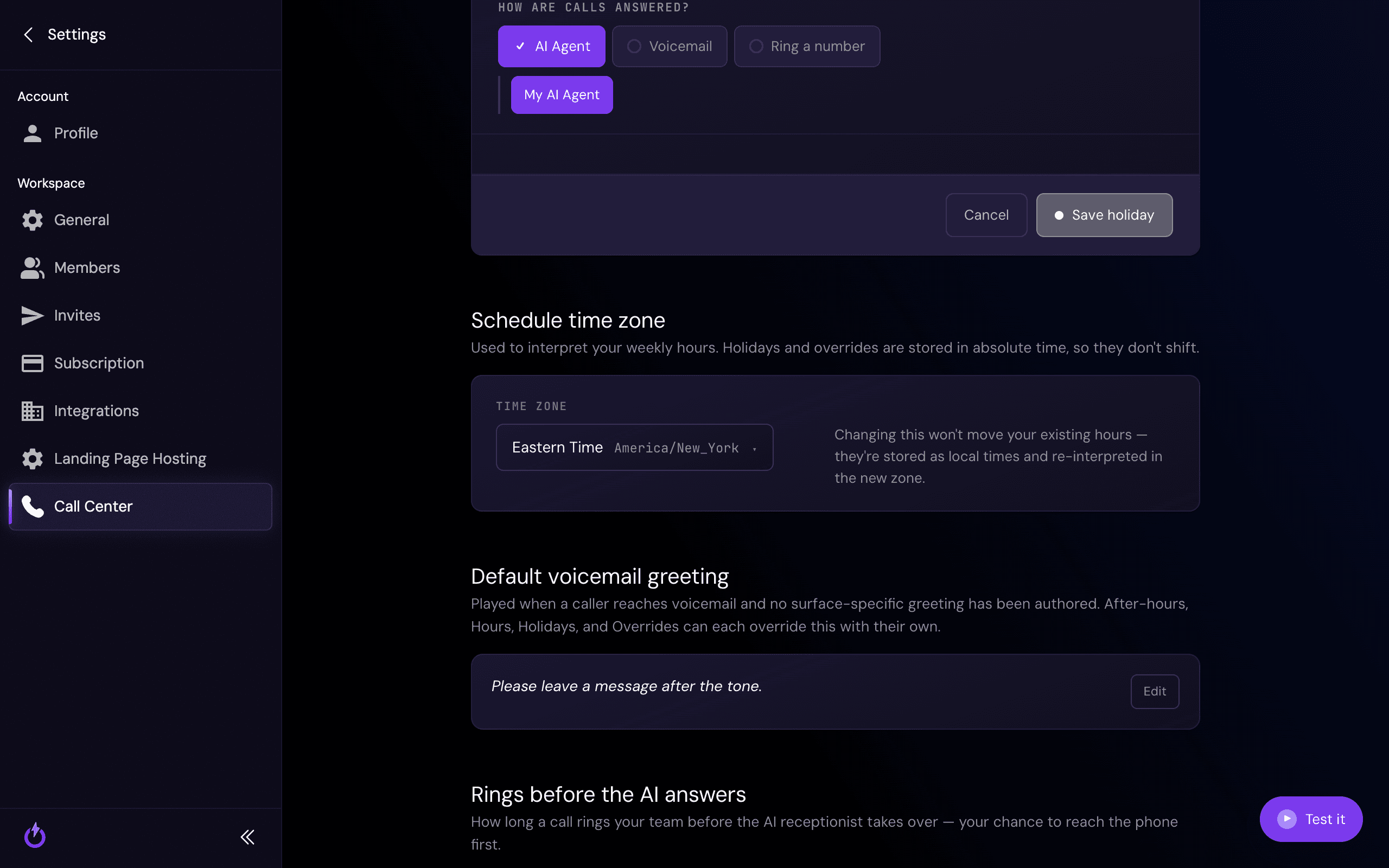
Your schedule's time zone is what your weekly hours are measured against. Changing it doesn't move your hours — they're stored as local times and simply re-interpreted in the new zone. (Holidays and overrides are stored in absolute time, so they don't shift.)
Default voicemail greeting & rings before the AI answers
Two more settings round out your schedule:
- Default voicemail greeting — played whenever a caller reaches voicemail and you haven't written a specific greeting for that hours block, holiday, or override.
- Rings before the AI answers — how long a call rings your team before your AI receptionist takes over, giving you a chance to grab it first.
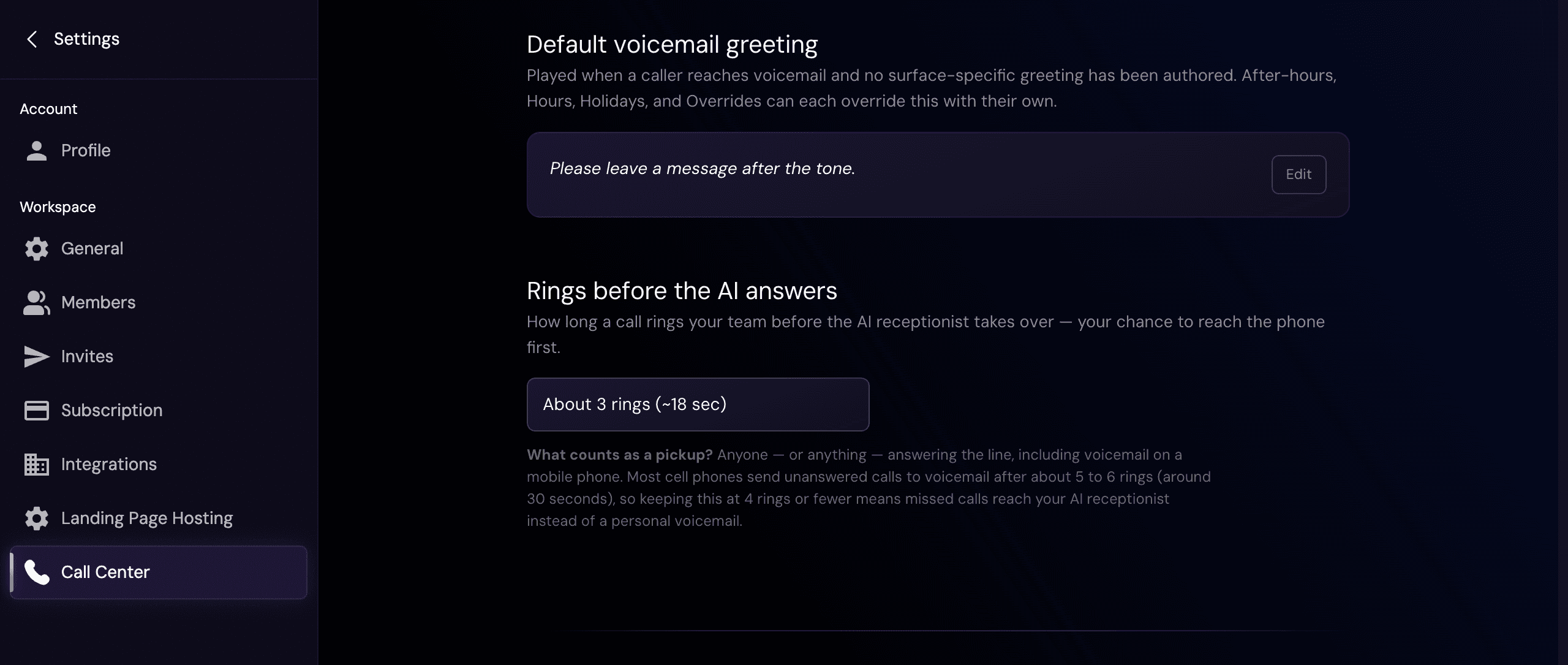
What counts as a "picked-up" call? Anyone — or anything — answering the line counts, including the voicemail on a personal cell phone. Most cell phones send unanswered calls to their own voicemail after about 5–6 rings (~30 seconds). So if you ring a personal phone, keep rings before the AI answers at 4 or fewer — otherwise a missed call gets grabbed by that phone's voicemail instead of reaching your AI receptionist. (More on this in Ring Groups.)
Related
Ring Groups
Ring one or more phone numbers when a call routes to 'Ring a number.'
Call Overrides
Temporarily change routing for the next few hours, without touching your schedule.
Viewing Your Current Call Routing
See what happens to a call right now, and why.
Still stuck?
Want help setting your hours, holidays, or after-hours handling? Reach out and we'll set it up with you.